
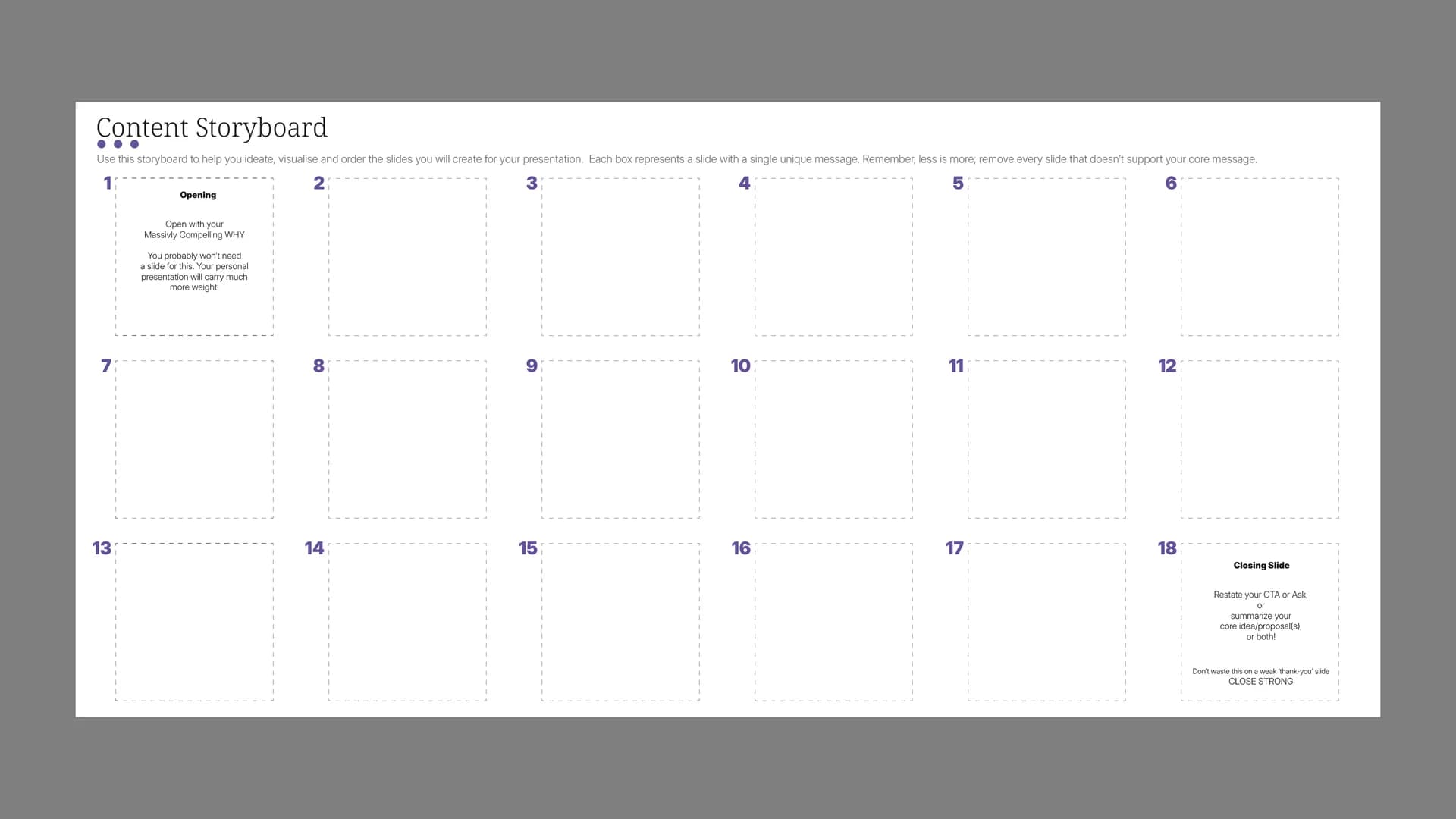
Content Storyboard
Download options
A storyboard maps out every slide before you open PowerPoint, Keynote, or whatever tool you use to build presentations. Each of the 18 boxes represents one slide with one message. Not two messages, not a message and a sub-message. One. The template includes a dedicated opening box (with a reminder that your best openings probably won't need a slide at all), a closing box (with a firm instruction to close strong rather than defaulting to a weak "thank you" slide), and an objections section for brainstorming the questions your audience is likely to raise.
When to use it: After you've defined your core message and narrative arc, and before you open any presentation software. This is the bridge between thinking and building. It's also useful for editing an existing deck that's grown too long. Print it, map your current slides onto the boxes, and you'll quickly see which ones aren't earning their place. If a slide doesn't support your core message, it goes.
How to get the most out of it: Work in pencil or sticky notes, not ink. The whole point is to move things around, remove slides, and restructure without the friction of reworking formatted slides. Fill in the objections section early, not as an afterthought. Knowing what your audience will push back on should shape which slides make the cut and in what order. Pay attention to the template's guidance on the opening and closing. Most presentations are weakest at the edges: they start with a title slide nobody cares about and end with a slide that says "Questions?" or "Thank you." Both are wasted opportunities. And count your slides honestly. If you've filled all 18 boxes, ask yourself whether you really need all of them. The template's own advice applies: less is more.